Layout
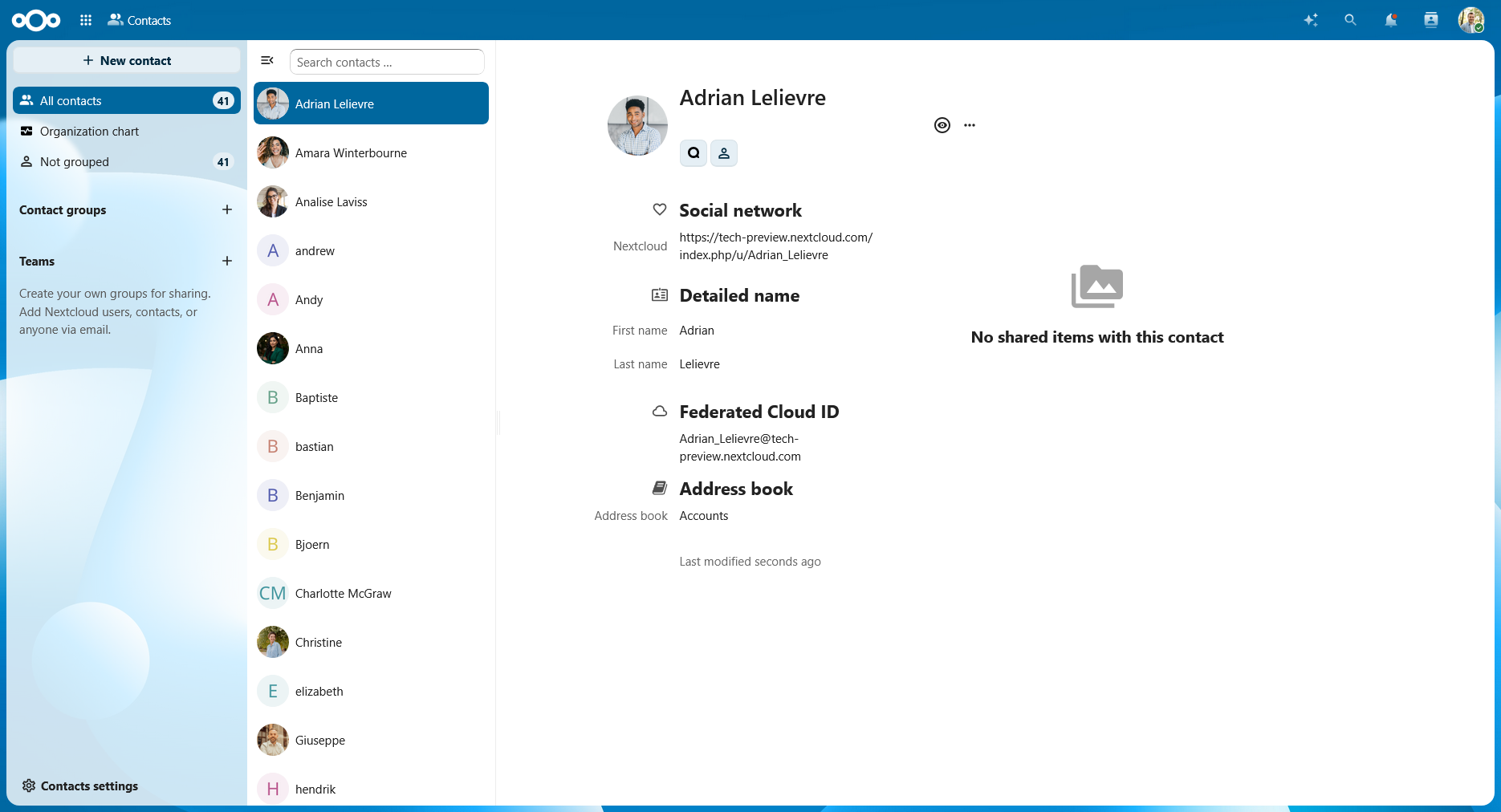
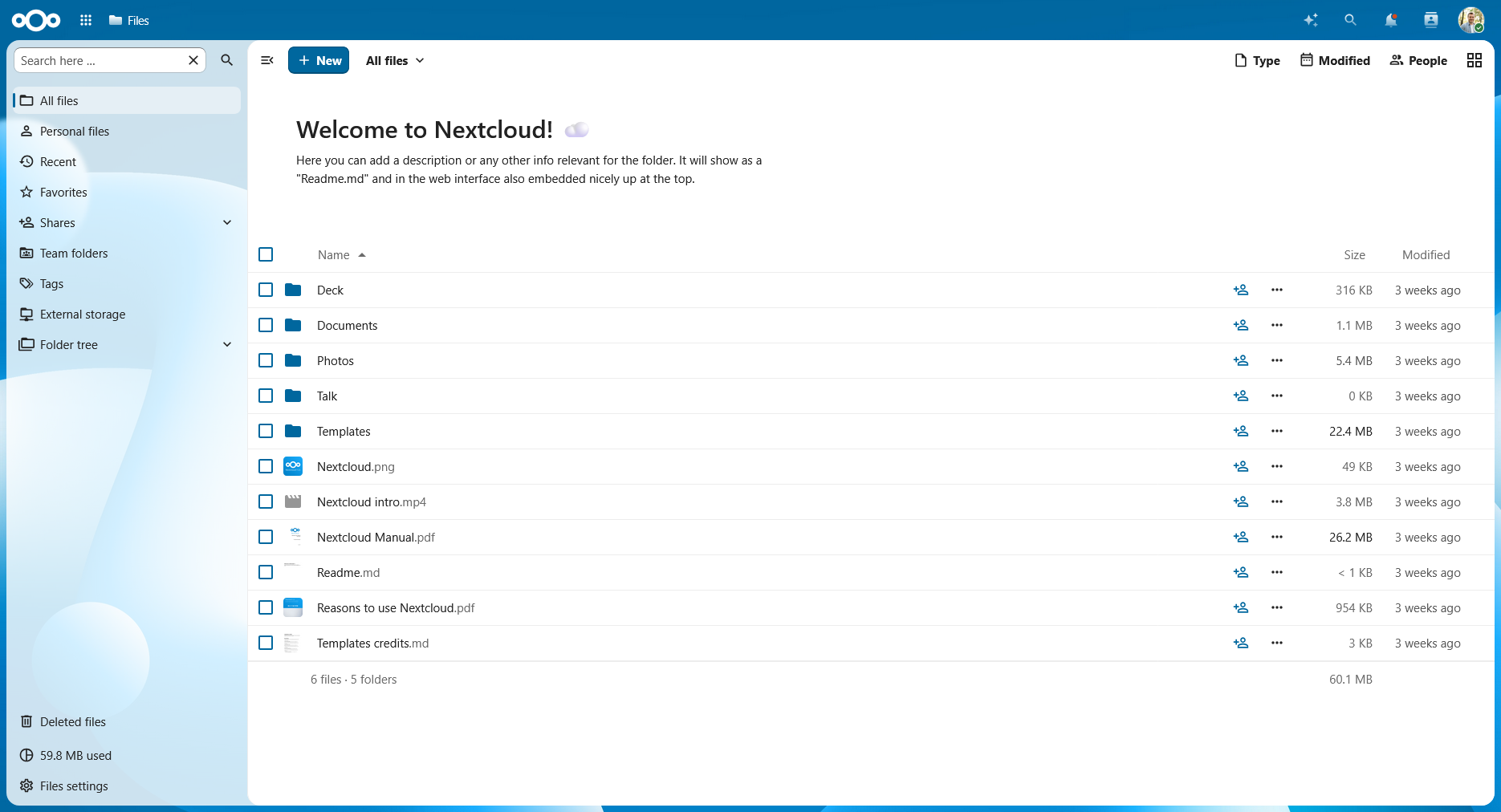
Generally most Nextcloud apps have a navigation on the left, and a content area, often depending on the typical layout patterns for other similar apps in the market. Some examples of common layouts:
Navigation → Content: This layout can be seen in Files, Talk, Calendar, Photos, and Deck. The main content depends on what is selected in the navigation. Often this type of layout has a sidebar as well, which contains details about an item in the main content.
Navigation → List → Content: This layout can be seen in Mail, Contacts and Collectives. The selected item in the navigation determines what is shown in the list, and the selected item in the list determines the main content. For example in Collectives, the navigation contains the list of collectives, the list contains the list of pages inside the selected collective, and the main content contains the contents of the selected page.